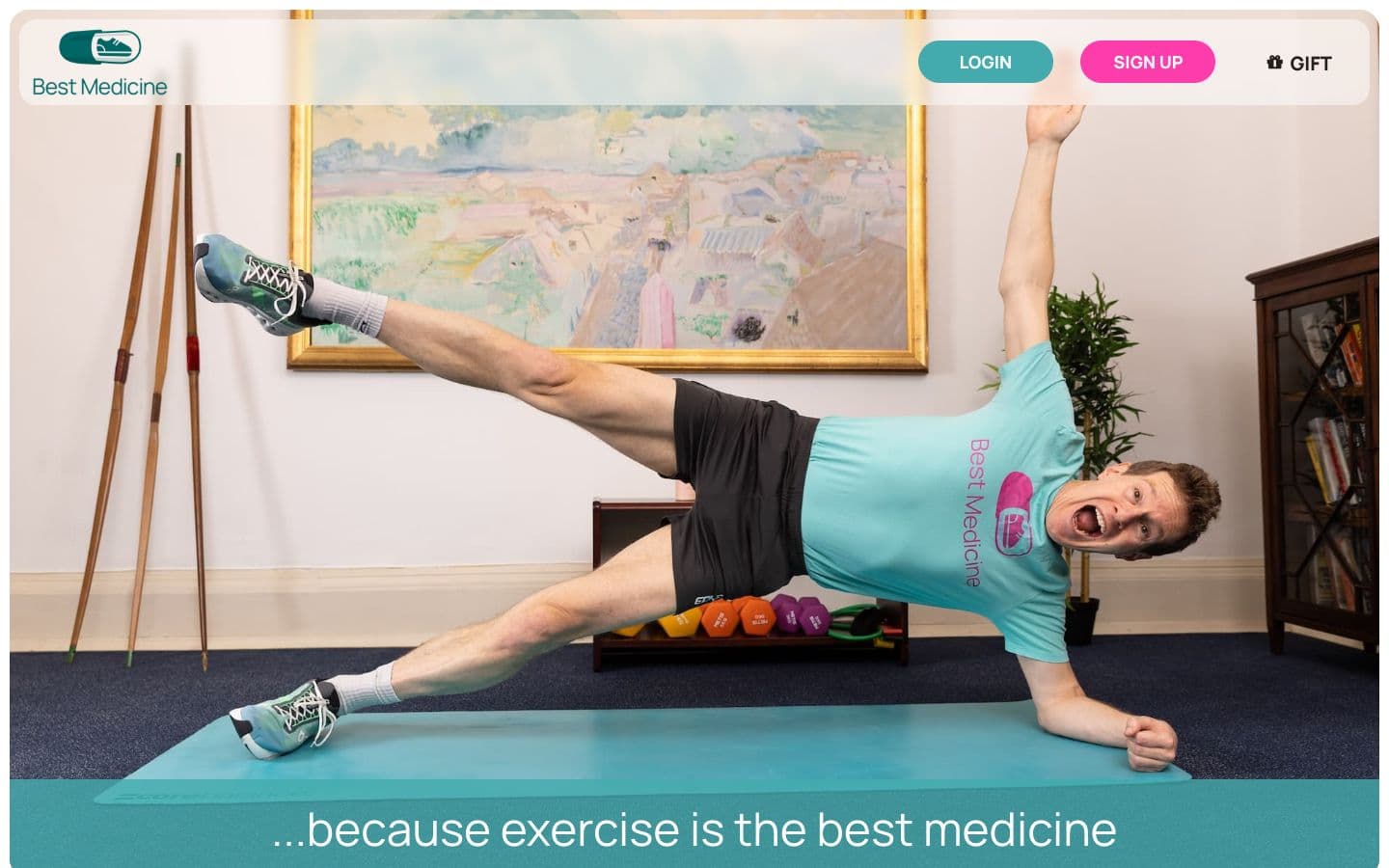
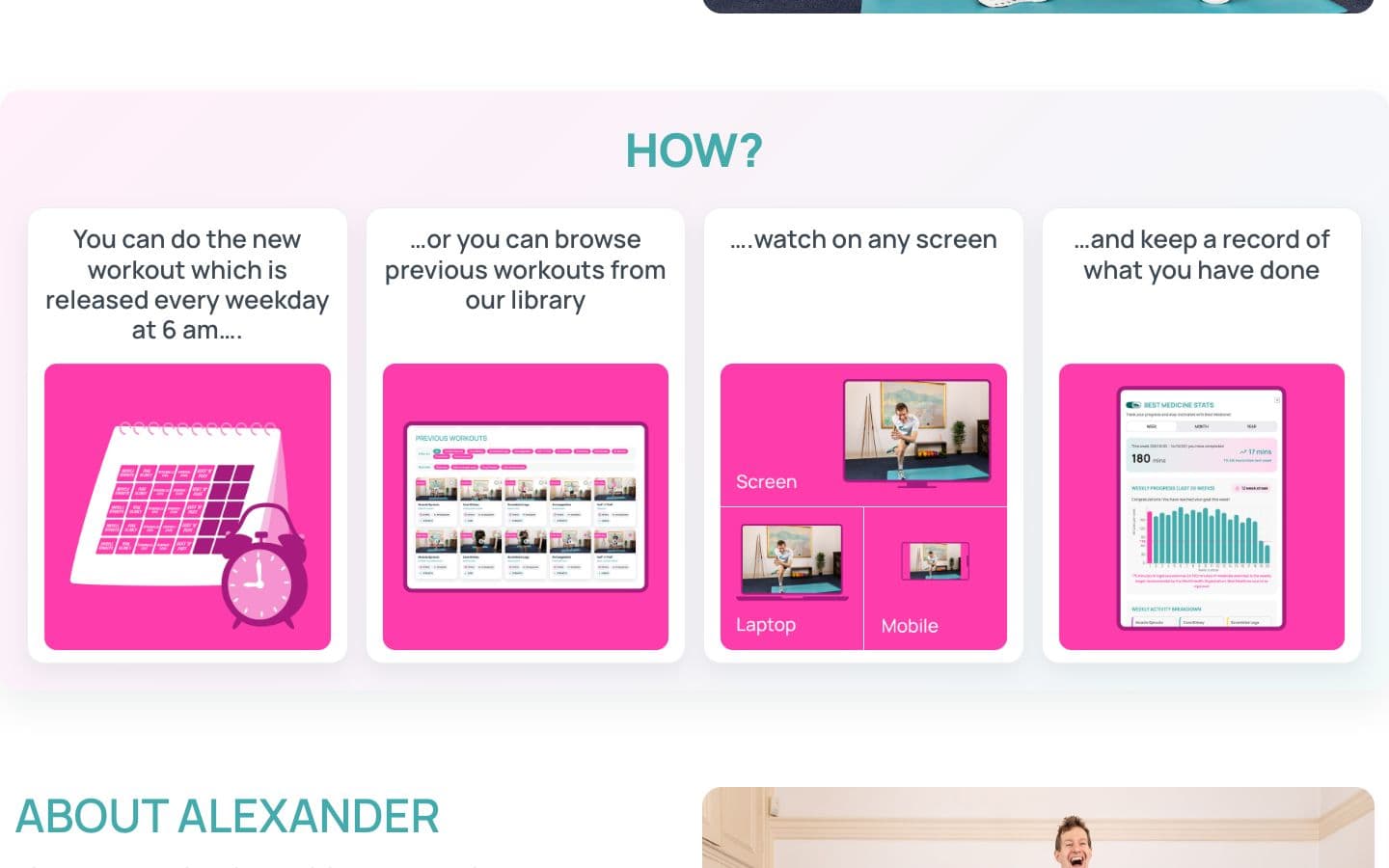
Fitness membership
Best Medicine
A custom WordPress membership platform combining weekday workouts, a video library, favourites and personal activity tracking.
Native iPhone app
CalcVault is my own native iPhone project, built in Swift and SwiftUI. A working calculator opens into a personal vault for photos, videos, files and notes. The project brings together interface design, native iOS features and the application logic behind them.
My own native iPhone app: interface and development
Native iPhone app
Swift · SwiftUI · iOS
The project
A native iPhone calculator and personal vault, built in SwiftUI with PIN access, biometric unlock, media, files and notes.
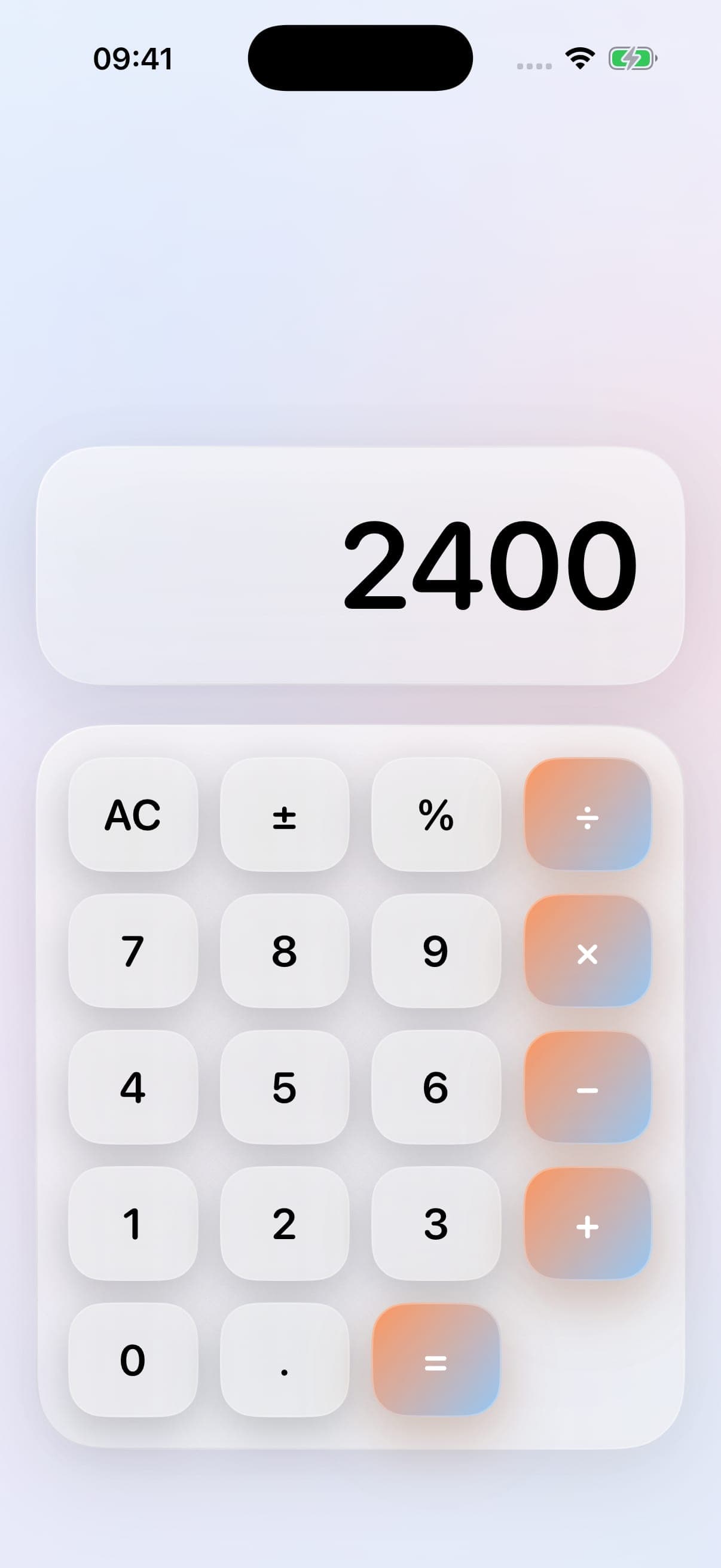
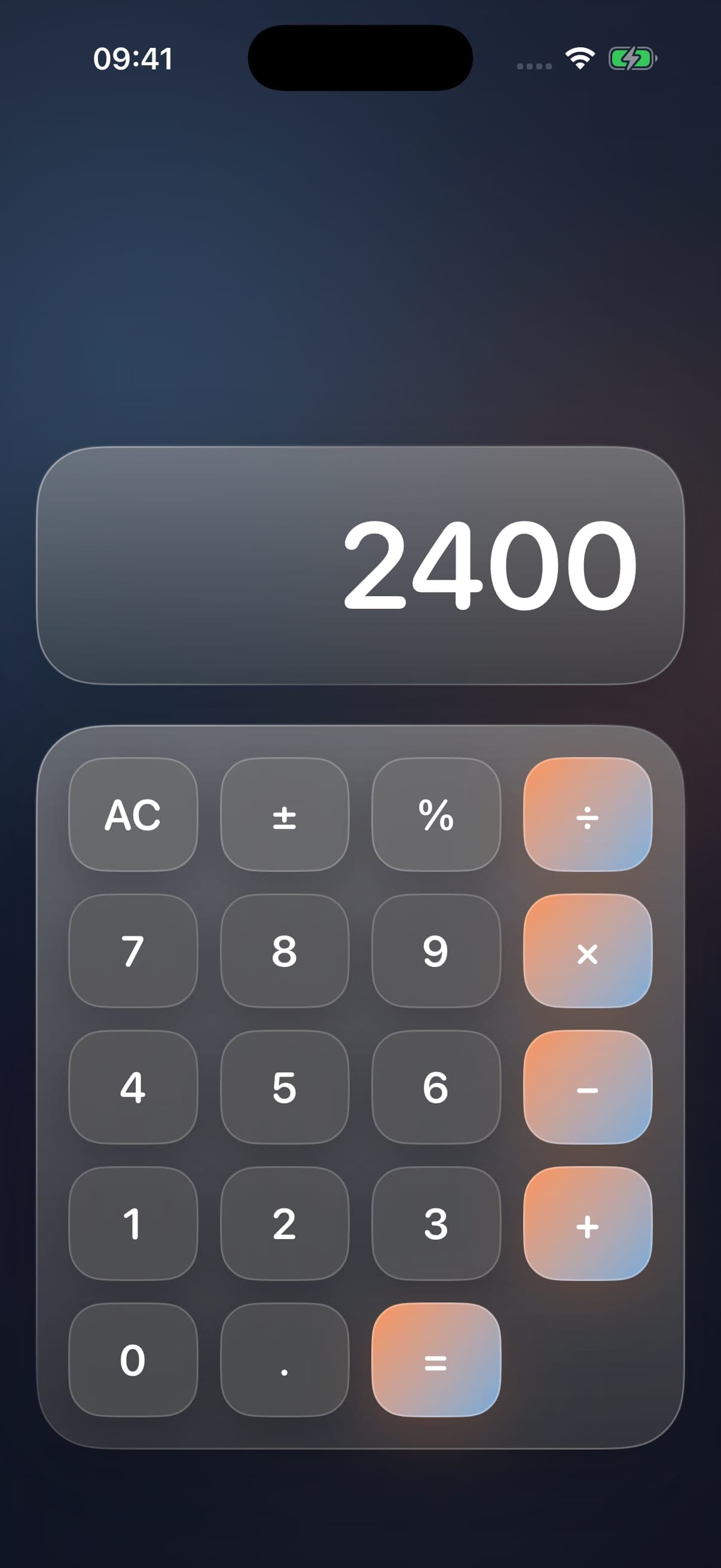
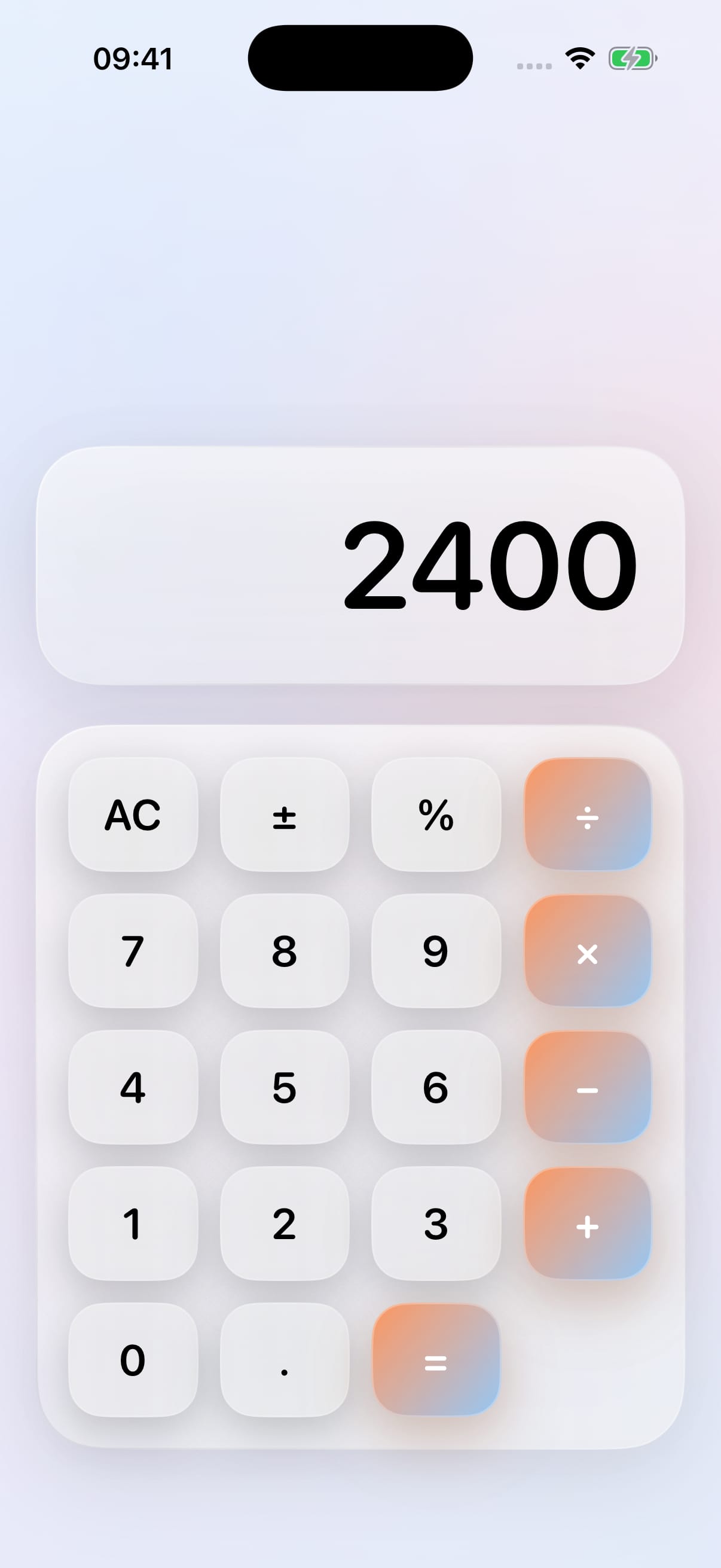
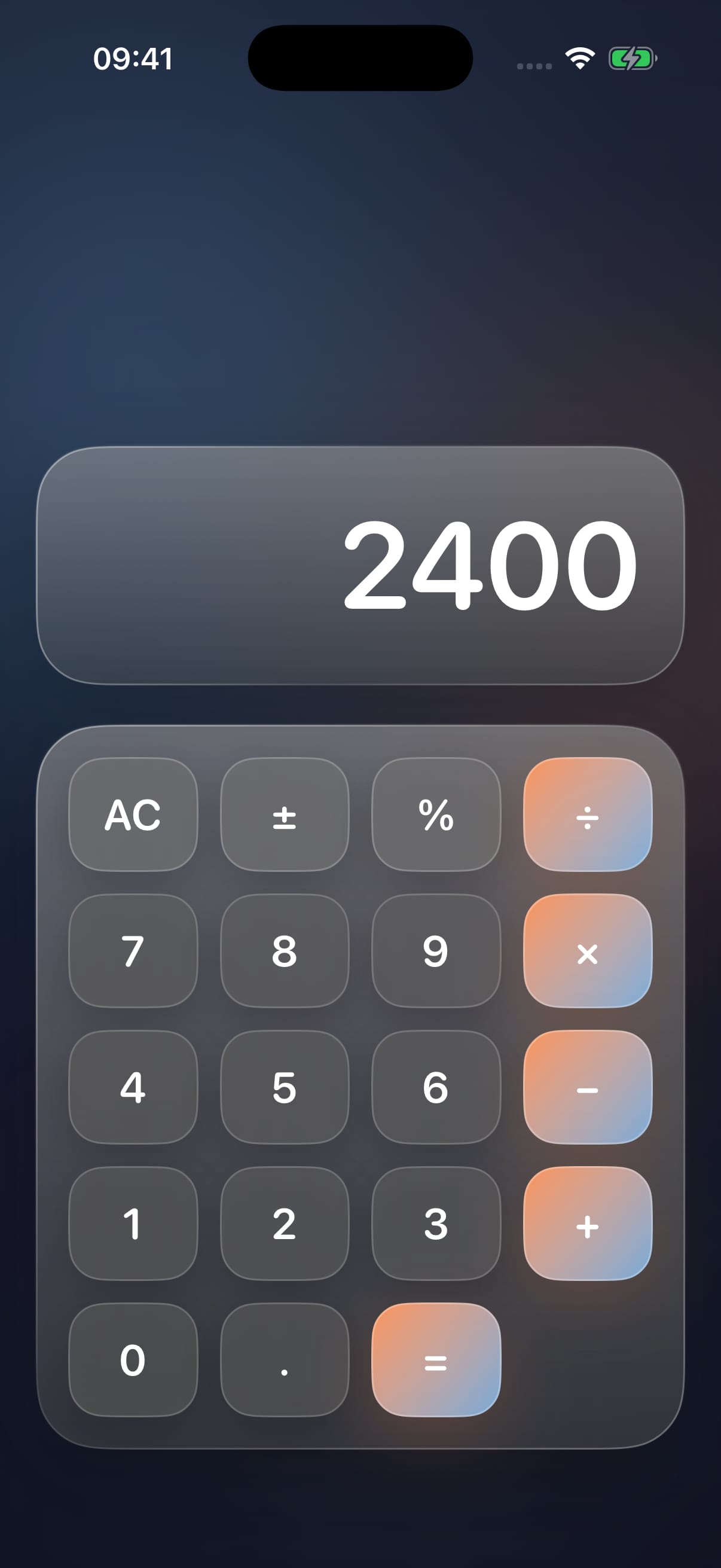
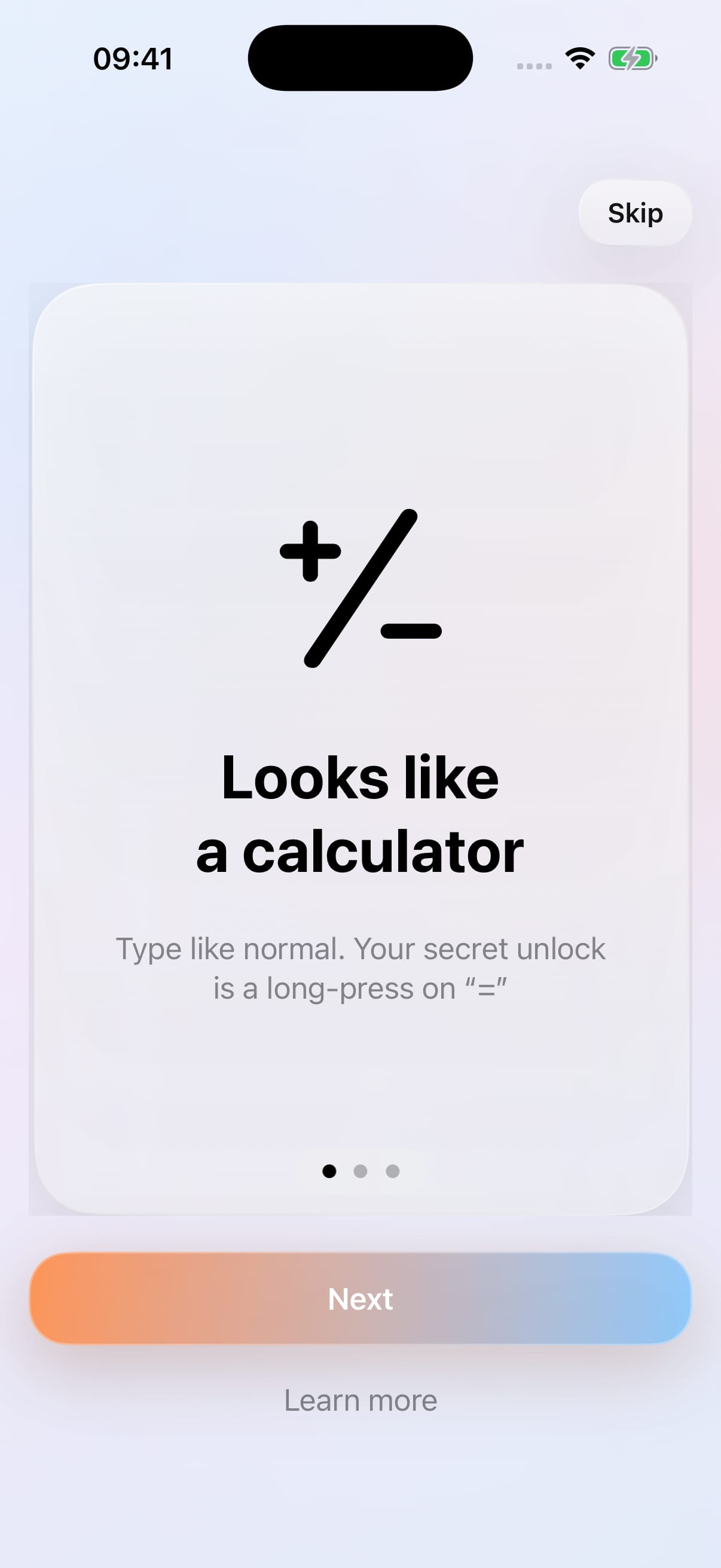
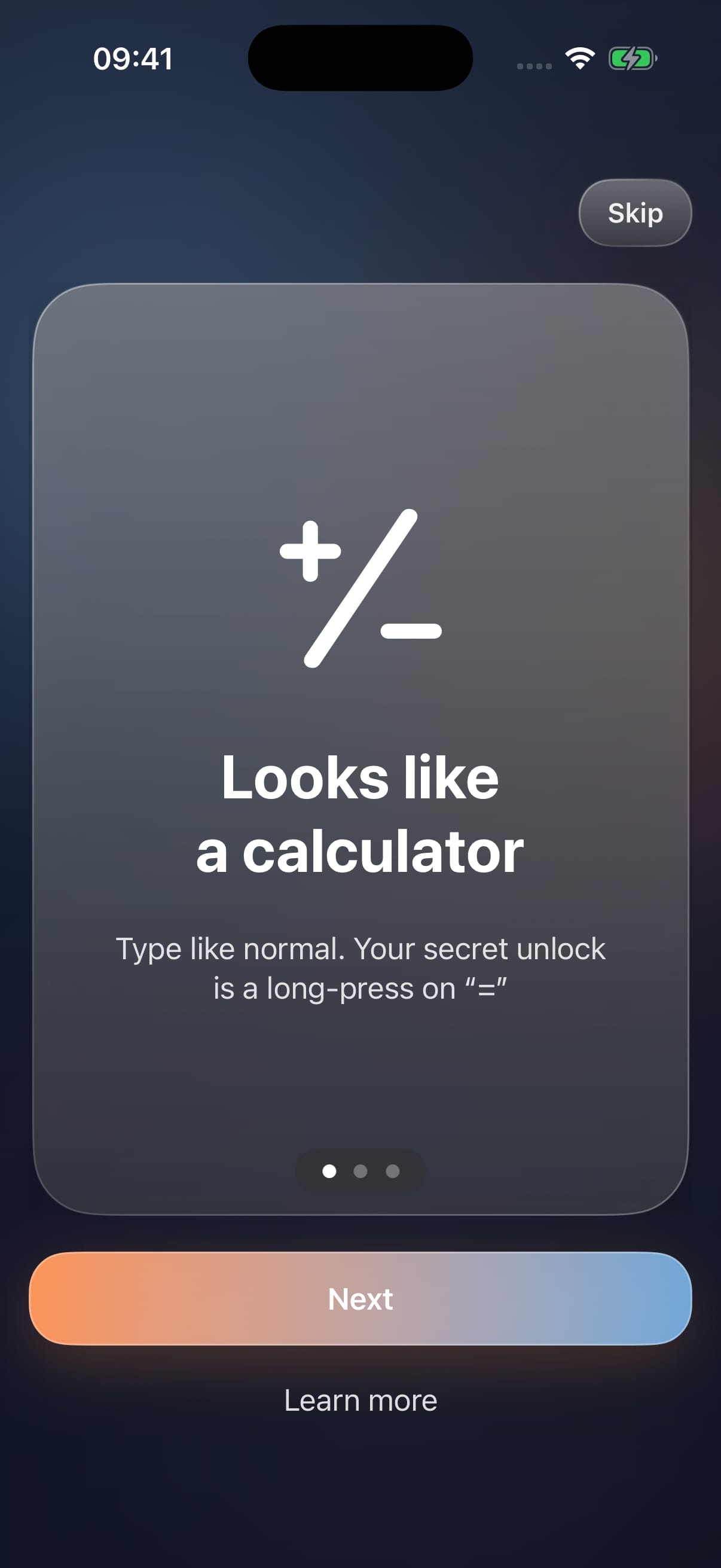
The first screen is a working calculator. Entering a PIN and holding the equals button opens the vault, with optional biometric authentication on supported devices. I built the interface and the transitions between these parts of the app in SwiftUI.
Light and dark appearances carry through the interface, with both modes shown in the project gallery below.
Inside the vault, separate areas handle photos and videos, files and editable notes. The app brings in native iOS capabilities for importing media, previewing files, sharing and playing video, giving each type of content an appropriate interaction.
Building these journeys means considering the states around the main screen too: an empty collection, an import in progress, opening an item and returning to the app after it has been in the background.
I implemented local encrypted storage using CryptoKit, with key material held in the iOS Keychain. Authentication and app lifecycle handling sit alongside the visible interface, so the project covers persistence and access as well as layout.
This is a native iPhone codebase, using Swift and SwiftUI. It is a separate kind of development from a website or a browser-based application, and an example of the app work I can discuss alongside client projects.
Inside the project
More of the interface, the details and the way it all comes together. Open any image for a larger view.
Keep exploring
Fitness membership
A custom WordPress membership platform combining weekday workouts, a video library, favourites and personal activity tracking.
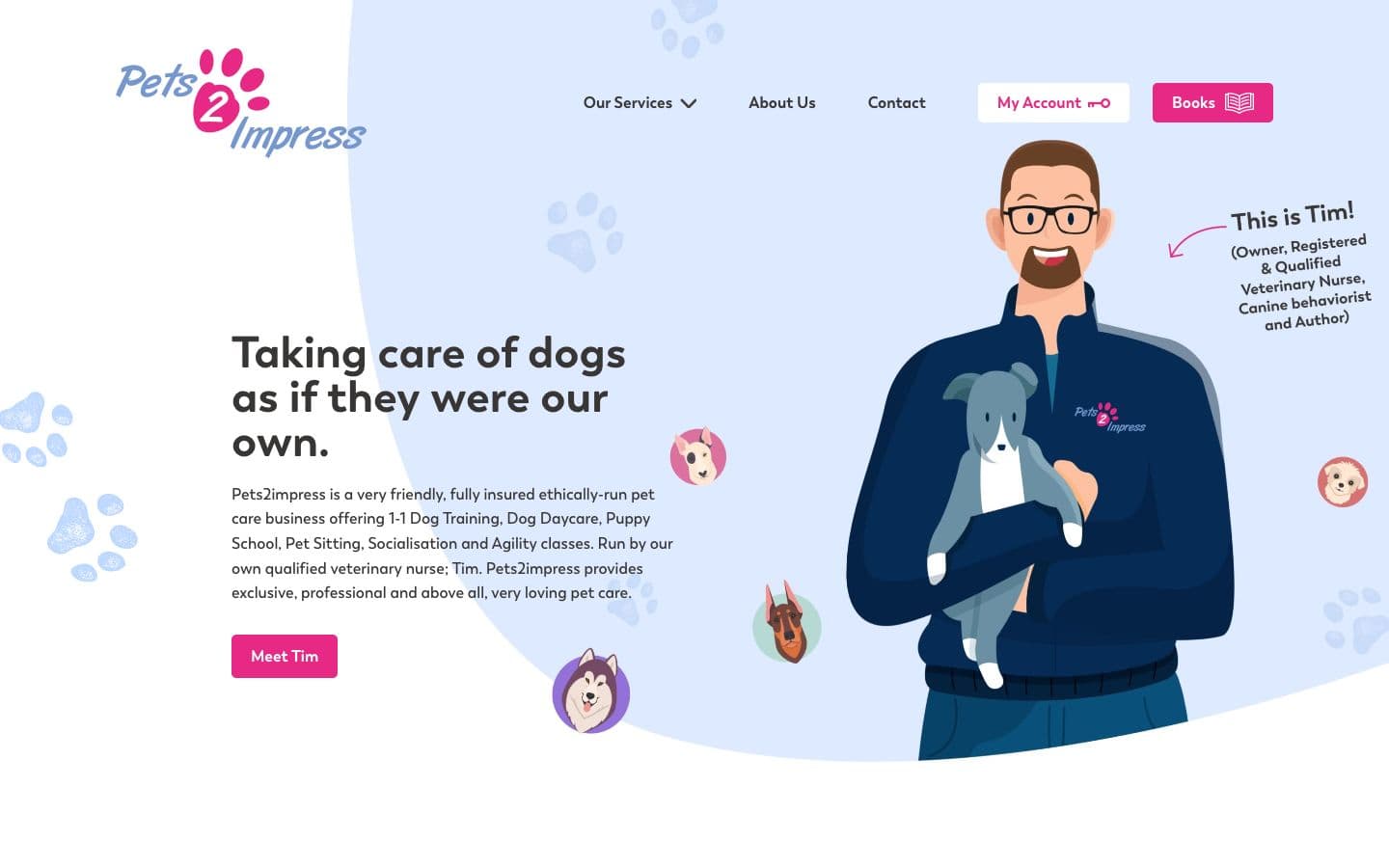
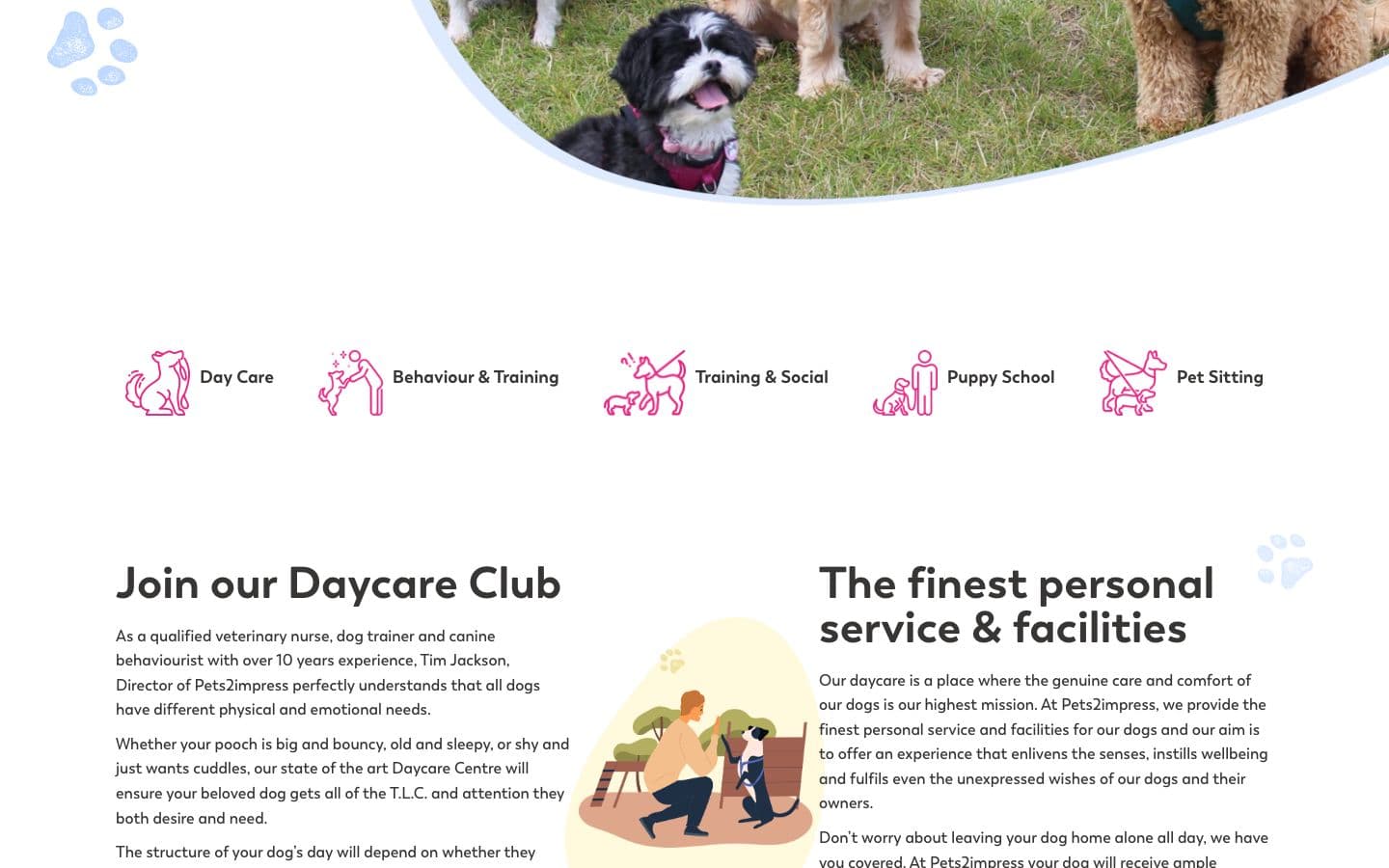
Pet care and training
A custom WordPress website bringing dog daycare, training, puppy school and online community content into a clear service journey.
Your next project
Tell me what you’re planning and which parts of this project caught your eye. We can talk through what your own project needs.