01
A clear first release
User journeys, screen priorities and supported iPhone/iOS versions agreed before committing to the build.
Native app development
I build native iPhone apps in Swift and SwiftUI, bringing the interface and the functionality together. From an early product idea to a defined development brief, you work directly with the person making it.
Tell me about your project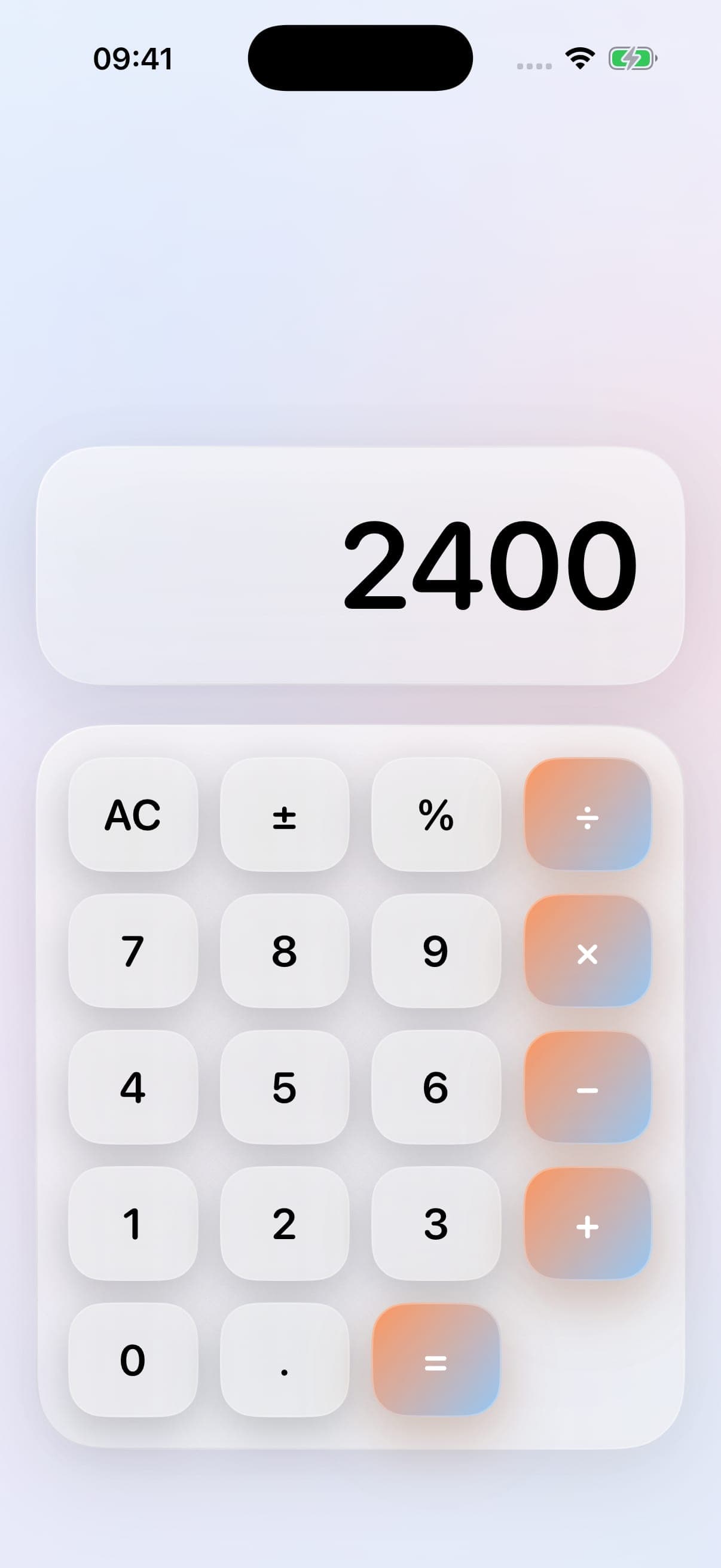
The work behind the words
CalcVaultExplore the project ↗A native app can make sense when the experience depends on the device: working with photos and files, using biometric access, keeping information available locally or making familiar iPhone interactions feel right. I help define the important tasks and build around the way people will actually use the app.
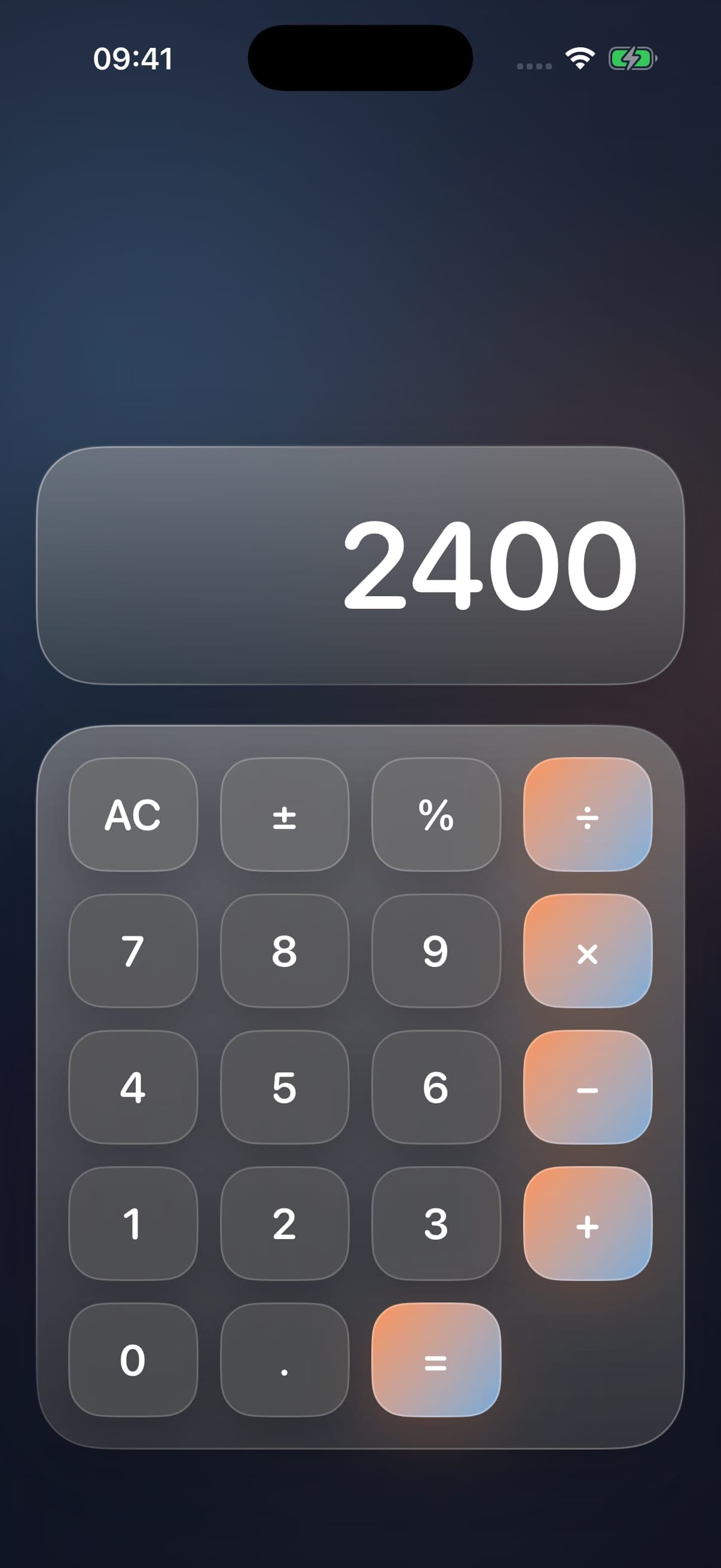
CalcVault is my own native iPhone project. It combines a working calculator with PIN access to a vault for photos, videos, files and notes. The build uses SwiftUI alongside iOS features such as biometric authentication, file previews and sharing. Its case study shows the interface and explains the development, rather than treating a mobile-sized website as a native app.
We agree the supported devices and iOS versions, the data the app needs and the scope of the first release. Testing, signing, distribution and maintenance also need an owner. Those responsibilities form part of the project plan; the route to release depends on whether the app is for public customers, a private audience or an internal workflow.
01
User journeys, screen priorities and supported iPhone/iOS versions agreed before committing to the build.
02
Screens, navigation and interactions designed around the app’s tasks and the way people use iPhone.
03
Local persistence, files, media, authentication or other capabilities scoped around the actual product requirements.
04
Device checks, an agreed distribution route, ownership of signing and accounts, and a plan for ongoing development.
The work behind the words
Native iPhone app
A native iPhone calculator and personal vault, built in SwiftUI with PIN access, biometric unlock, media, files and notes.
Before we begin
A browser-based tool may be the right starting point when people need access across devices without installing anything. Native iPhone development is worth considering when device capabilities, local use and an iOS-specific experience are central. We can compare the user journeys before choosing.
The native work featured here is for iPhone, using Swift and SwiftUI. CalcVault is the example. Tell me which devices your audience uses so we can agree the platform requirements before scoping the project.
Yes. Share the designs and the intended user journeys, together with any existing app or backend. I can review the development scope, identify missing states and agree how the interface connects with the data and device features.
Release preparation can be included in the scope. We agree who owns the Apple developer account, signing, privacy information, store assets and submission tasks. Apple makes the review decision, so acceptance and review timings cannot be guaranteed.
A description of who will use it, their main tasks, the devices you want to support, and any designs or existing systems. An approximate budget and timescale help define a useful first release. More complex workflows may need a short discovery phase first.
Your next project
Send me the brief, the current website or the idea you’re working through. I’ll take a look and come back to you personally.